
BOL document will be available after arrival to location/customer.
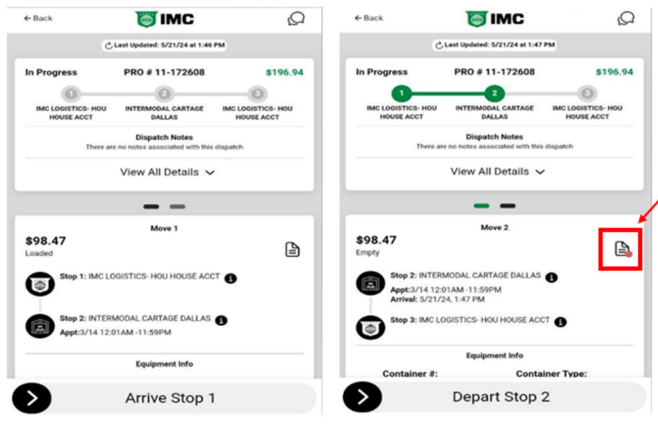
Before departure, eBOL must be completed and signed by customer/warehouse/location/guard
Select the document with the red circle under Pro Option should be available under “Move 2”.
Below options will appear. Select - Miscellaneous Documents
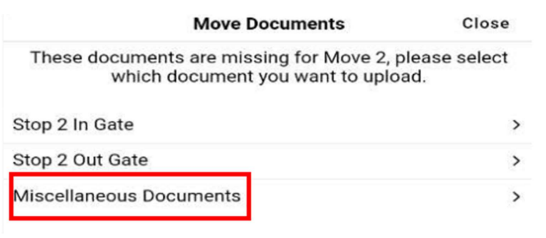
Follow below instructions to complete process:
Select Stop 2 at location required eBOL and Bill of Lading Document.
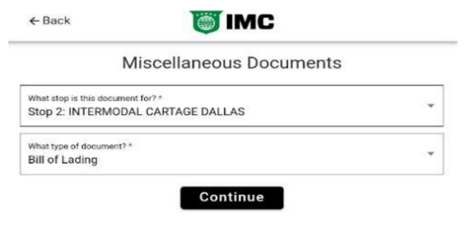
Select Complete eBOL
Enter time of arrival on 1st box and completed time on 2nd box. If Any waiting time or remarks needed to be noted please enter on box
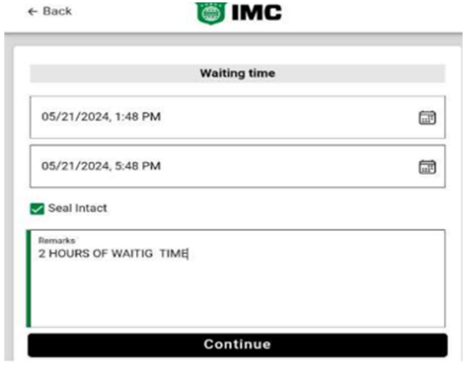
Complete Signature and Name of individual signing document
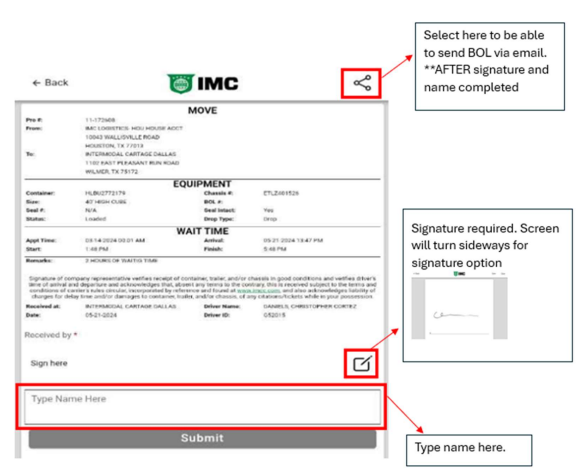
Once all options completed select Submit and confirmation received.
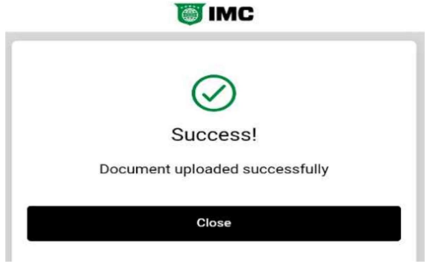
**If eBOL completed before sending via email, Driver will need to complete full process again. Once eBOL completed is automatically uploaded to the system and Driver will not have access to copy.